How to add or remove buttons from quick setting panel
Important Note: The information on this page is for Hong Kong products only. Models, sequences or settings will vary depending on location and/or where the product had been purchased. To be redirected to your local support page please click here.
Quickly and easily add or remove buttons from your Quick Settings panel to get faster access to the Galaxy tools and settings you need.
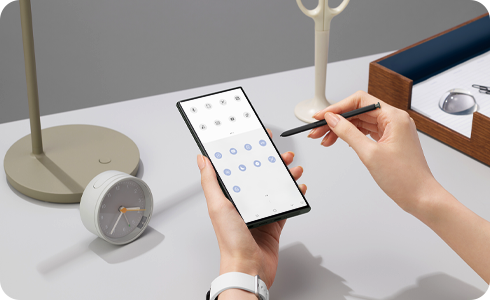
How to add a button to your quick setting panel


Step 1. Swipe down twice on your main screen, first to open the quick access panel and again to open the extended menu.


Step 2. Swipe left to view additional icons and the “+” icon.


Step 3. Tap “+” Icon.


Step 4. Tap and hold an available button from the menu above and drag it down to the quick access panel below.


Step 5. Tap “Done” when finished selecting.
How to remove a button from your quick settings panel


Step 1. Swipe down on your main screen to open the quick access panel.


Step 2. Tap more options icon and “Edit buttons”.


Step 3. Tap and hold a button from the quick access menu below and drag it up to the menu above.


Step 4. Tap “Done” when finished selecting.
If the above information does not match what your product is showing, you may check the User Manual for your product. If you are unable to solve the problem, please contact us for further assistance.
Thank you for your feedback!
Please answer all questions.
RC01_Static Content : This text is only displayed on the editor page