How to capture an image from a video frame
Important Note: The information on this page is for Hong Kong products only. Models, sequences or settings will vary depending on location and/or where the product had been purchased. To be redirected to your local support page please click here.
You can quickly and easily capture a single image from a video frame using your Galaxy device, so you never miss a moment.
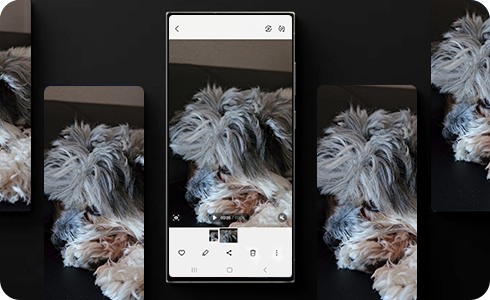
To capture an image from a video with your Galaxy device, follow these steps:
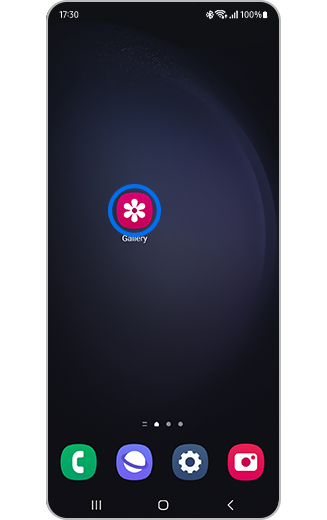
Step 1. Open the Gallery app.


Step 2. Tap to select a video.
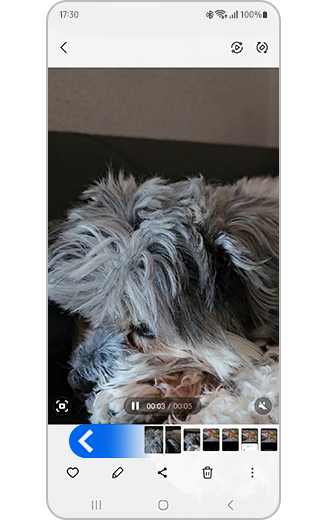
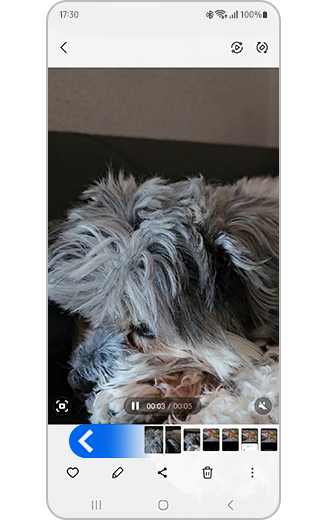
Step 3. Scroll through the video frames to find the right image you want to capture.


Step 4. When you have selected a frame to capture tap the capture icon. It will automatically be saved in Gallery.
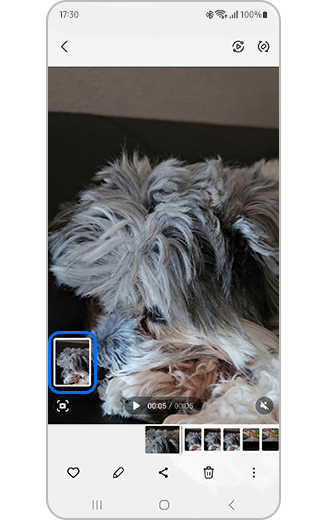
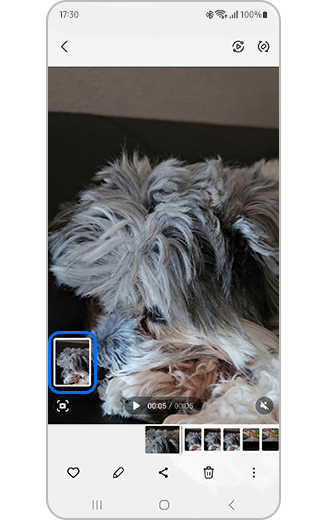
Step 5. An option to preview the selected frame will appear at the bottom left of the screen. Tap to view the image.
How to view all your frame captures?
To view all the frame captures, go to Gallery and follow these steps:
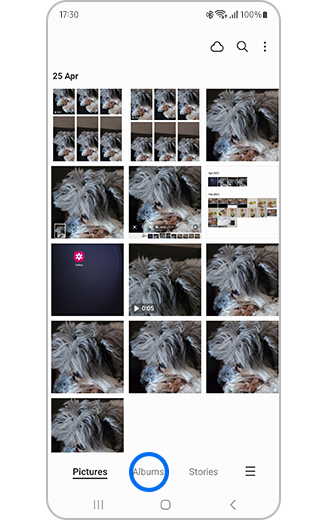
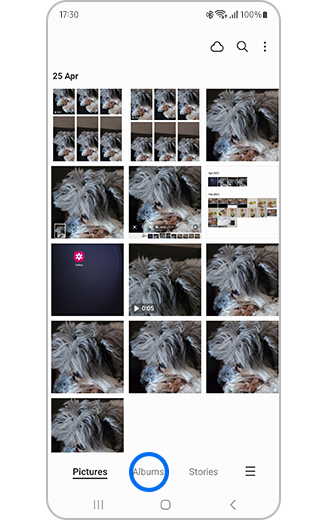
Step 1. Tap “Albums”.
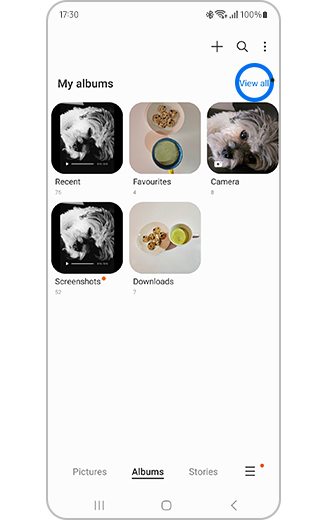
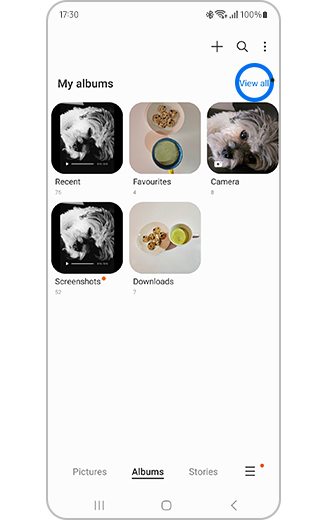
Step 2. Tap “View all”.
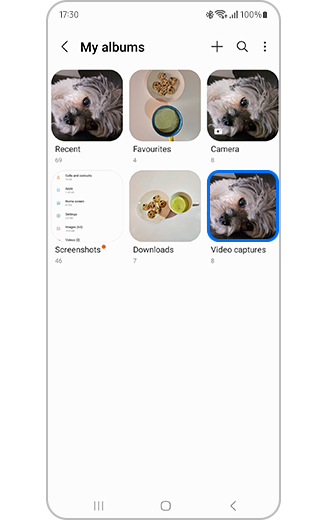
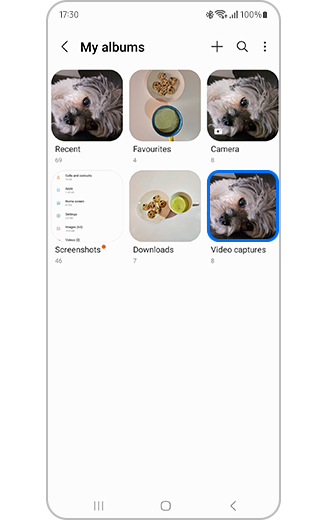
Step 3. All albums will be displayed and frame captures will be within the “Video captures” folder.

If the above information does not match what your product is showing, you may check the User Manual for your product. If you are unable to solve the problem, please contact us for further assistance.
Thank you for your feedback!
Please answer all questions.
RC01_Static Content : This text is only displayed on the editor page