How to use Samsung Video editor
Important Note: The information on this page is for Hong Kong products only. Models, sequences or settings will vary depending on location and/or where the product had been purchased. To be redirected to your local support page please click here.
Samsung Video editor offers Galaxy device users the opportunity to make simple and easy changes to their videos.
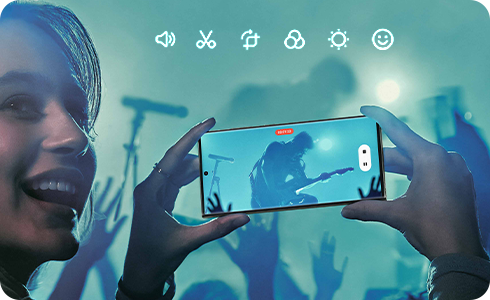
Please note: Samsung Video editor is available on S20 models and above.
What can I do with Samsung Video editor?
To edit your video, follow these steps.


Step 1. Open Gallery app.


Step 2. Tap to select a video to edit.


Step 3. Tap Edit icon.
Editing tools
Remove unwanted parts or shorten a video.
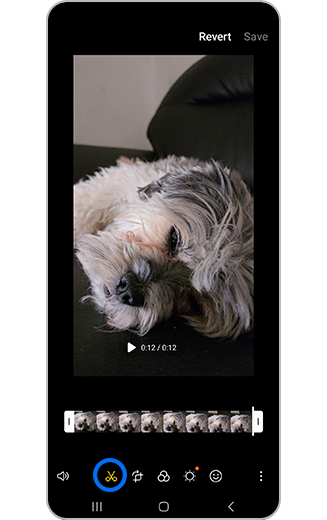
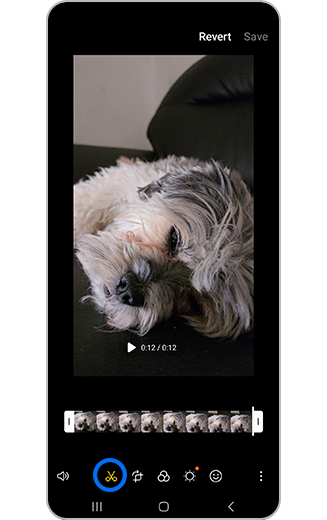
Step 1. Tap Trim icon.
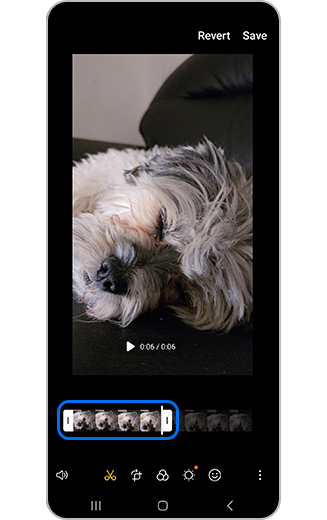
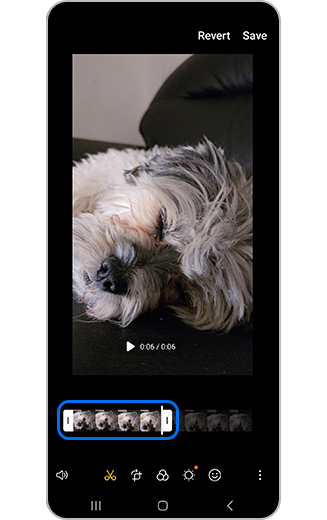
Step 2. Use the white slider bars at the bottom of the screen to select when the video begins or ends.
Change the orientation of the video.
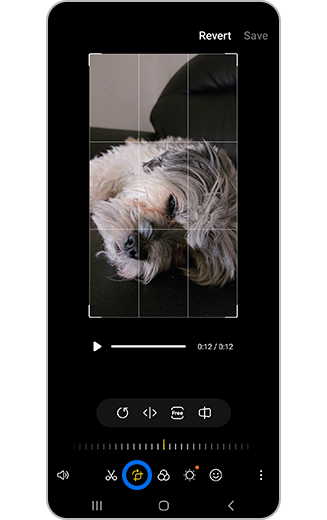
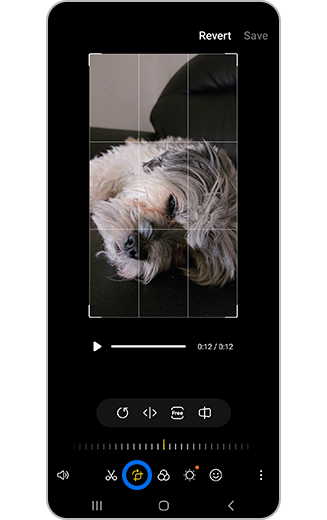
Tap Transform icon, then tap Rotate icon.
Change the video a mirror image.
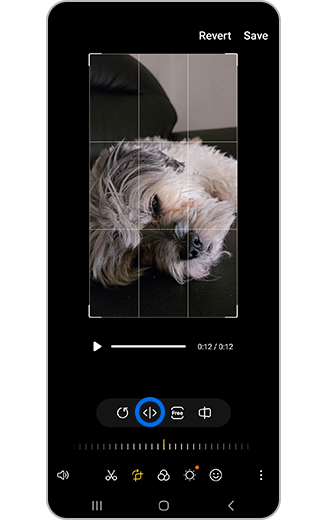
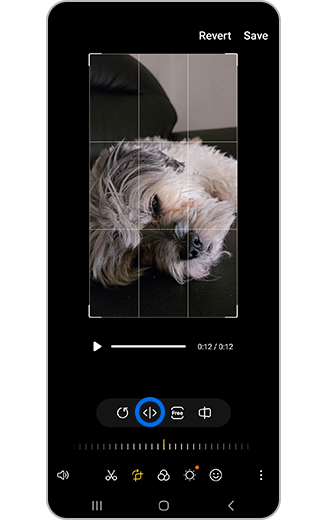
Tap Flip icon.
Add text for captions or subtitles, stickers or draw.
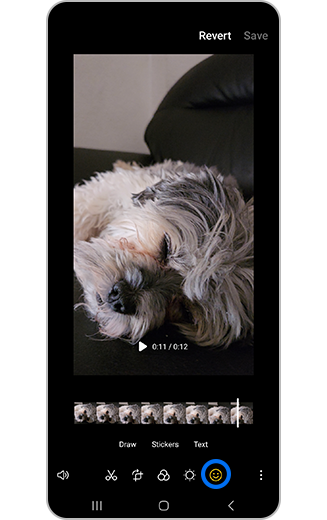
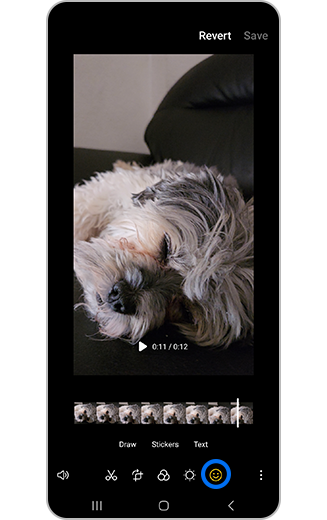
Step 1. Tap Decorations icon.
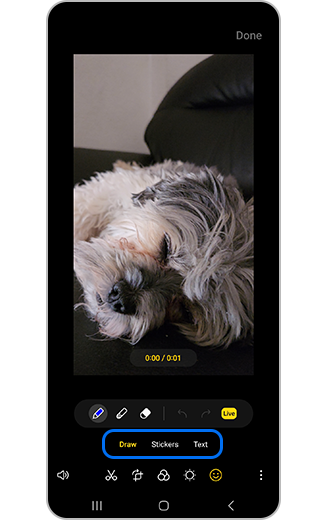
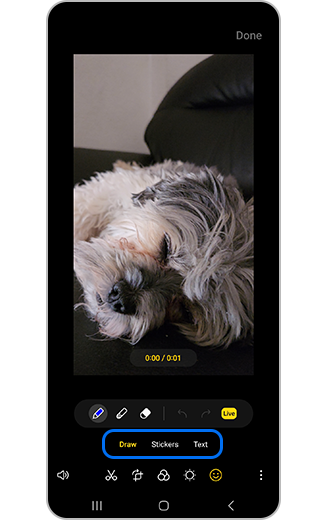
Step 2. Tap to select either Draw, Stickers or Text.
Change the appearance of the video.
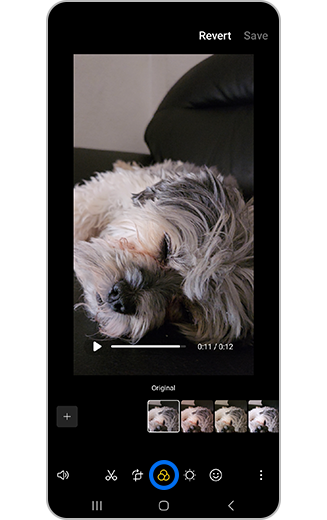
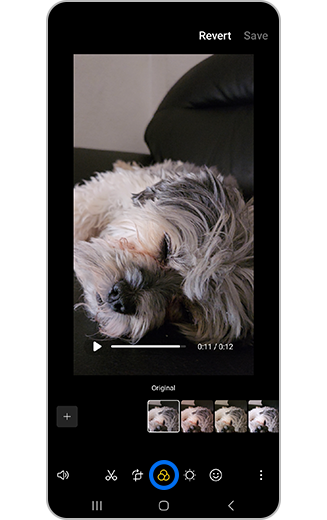
Step 1. Tap Filter icon.
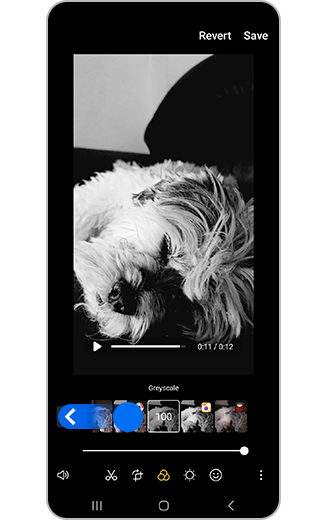
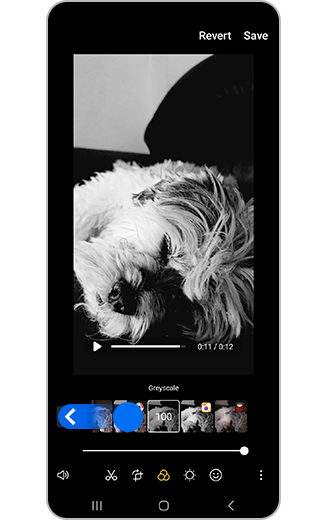
Step 2. Use the slider to scroll through filters.
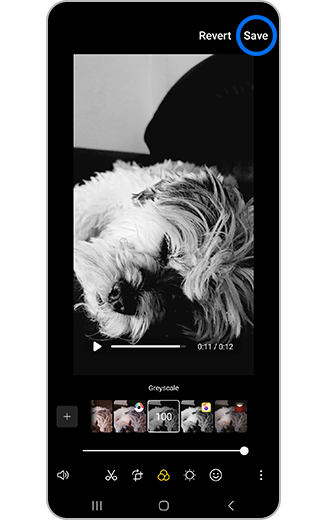
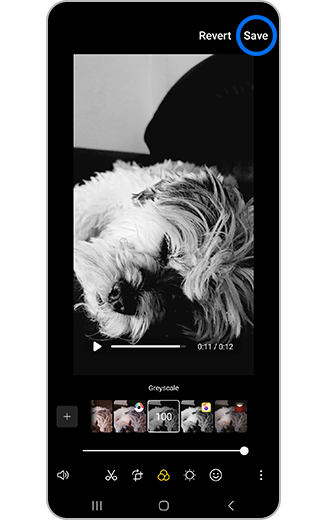
Step 3. Tap Save when finished selecting to save the filter.
Include your favourite music to complete your video.
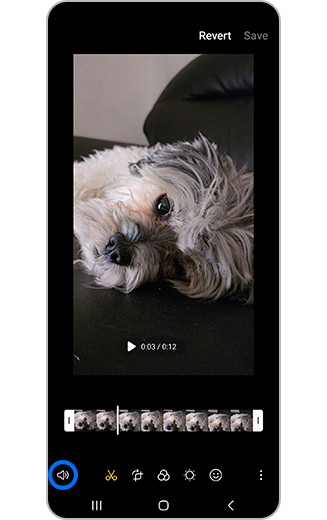
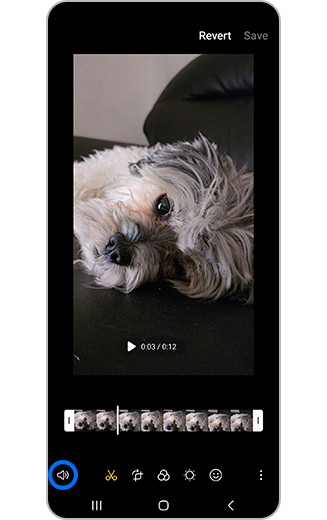
Step 1. Tap Audio icon.
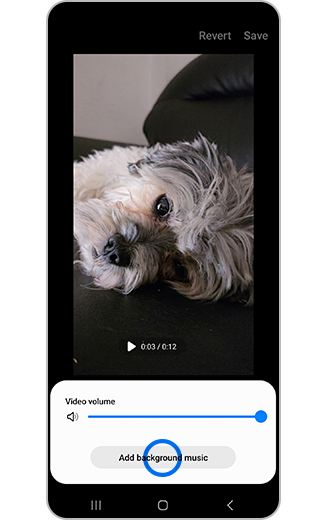
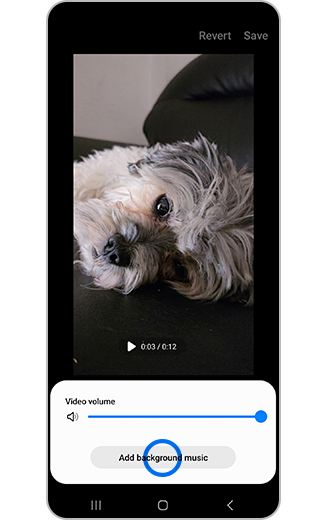
Step 2. Tap Add background music.
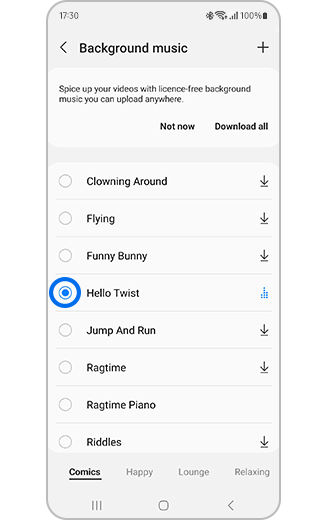
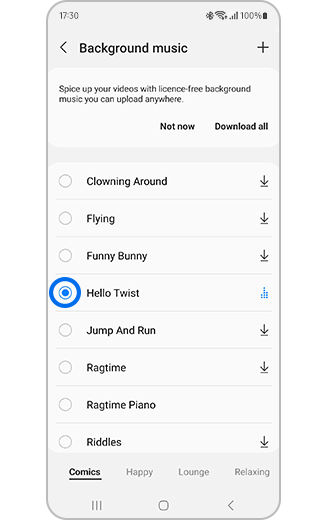
Step 3. Tap to select background music.
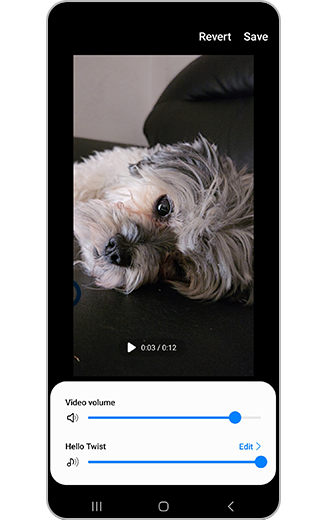
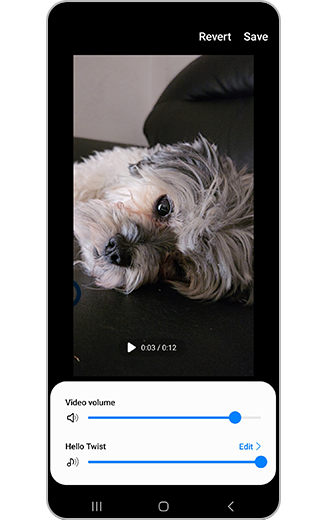
Step 4. Tap to adjust the video and music volume levels.
Please note: Large files sizes or high-resolution videos may take a few minutes to save.
If the above information does not match what your product is showing, you may check the User Manual for your product. If you are unable to solve the problem, please contact us for further assistance.
Thank you for your feedback!
Please answer all questions.
RC01_Static Content : This text is only displayed on the editor page