How to use the Galaxy S23 Object Eraser
Important Note: The information on this page is for Hong Kong products only. Models, sequences or settings will vary depending on location and/or where the product had been purchased. To be redirected to your local support page please click here.
The Object Eraser is a Galaxy photo editing feature that allows you to select and erase unwanted objects from images. In addition to object erasure, Shadow Erase/Light Reflection Erase uses AI to analyse images for unwanted shadows and light reflections and automatically erases them. With the updated One UI 5.1, Object eraser has been optimised to improve processing speed, resolution and image quality taking the Object eraser feature to the next level with Galaxy S23.
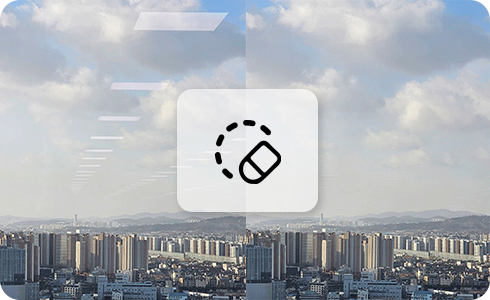
How to use Galaxy Object Eraser

Object eraser allows you to select and erase objects within an image whilst ensuring the best image quality is maintained.
- How to erase objects


Step 1. Open Gallery.


Step 2. Select an image and tap Edit icon.


Step 3. Tap More settings icon.


Step 4. Tap “Object eraser”.


Step 5. Tap objects in the image to erase and when complete tap “Erase”.


Step 6. Erase complete.
- How to erase shadows
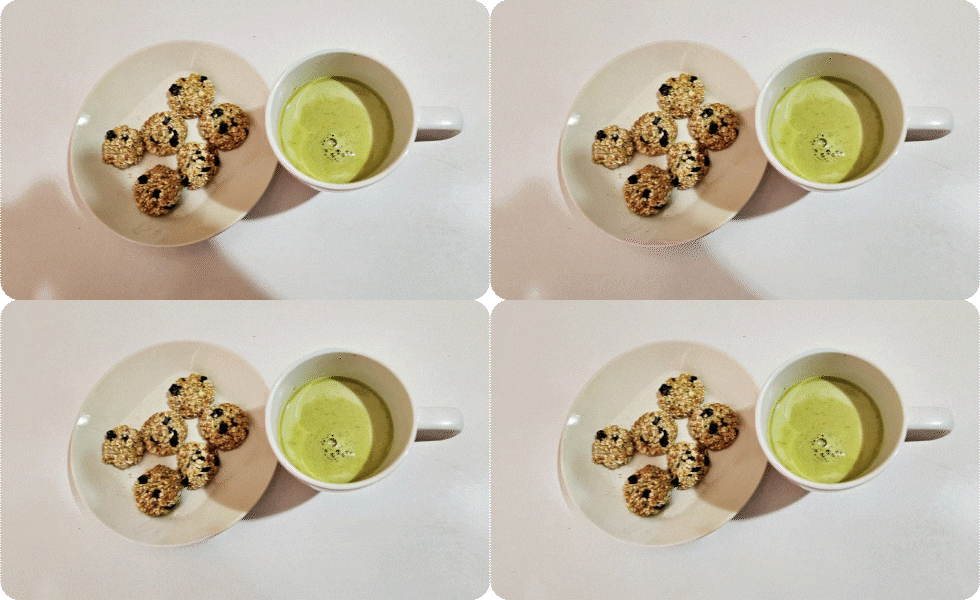
Shadow Erase automatically distinguishes between shadows that need to be erased and shadows that need to be left behind and ensures the best image quality is maintained.
Please note: There may be differences depending on the characteristics of the photograph, such as the shooting situation.
Step 1. Open Gallery.


Step 2. Select an image and tap Edit icon.


Step 3. Tap More settings icon.


Step 4. Tap “Object eraser”.


Step 5. Tap “Erase shadow”.


Step 6. Shadow erase complete.
- How to erase light reflections
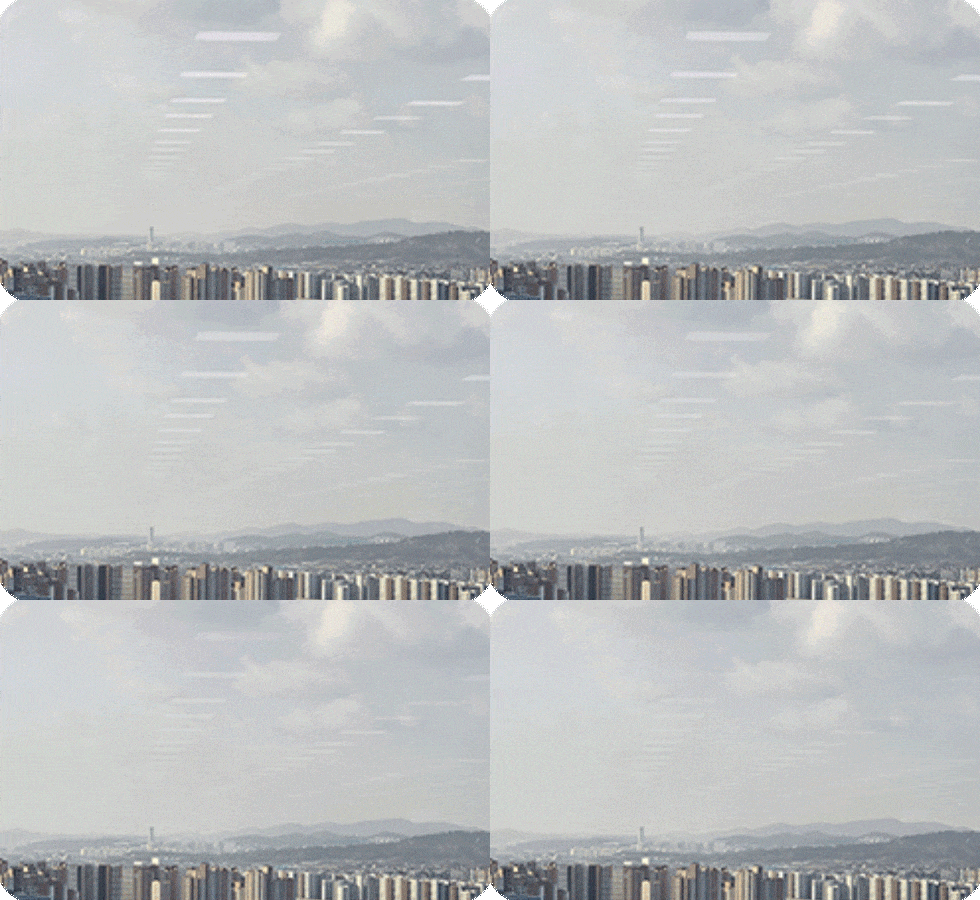
Erase reflection automatically identifies reflections that need to be erased and ensures the best image quality is maintained.
Step 1. Open Gallery.


Step 2. Select an image and tap Edit icon.


Step 3. Tap More settings icon.


Step 4. Tap “Object eraser”.


Step 5. Tap “Erase reflection”.


Step 6. Reflection erase complete.
If the above information does not match what your product is showing, you may check the User Manual for your product. If you are unable to solve the problem, please contact us for further assistance.
Thank you for your feedback!
Please answer all questions.
RC01_Static Content : This text is only displayed on the editor page