Why Galaxy S23 Camera does not recognise a QR code
Important Note: The information on this page is for Hong Kong products only. Models, sequences or settings will vary depending on location and/or where the product had been purchased. To be redirected to your local support page please click here.
When you scan a QR code using the Galaxy S23 camera, if you close the pop-up link without first connecting to the QR destination, it will not show the connection popup again.
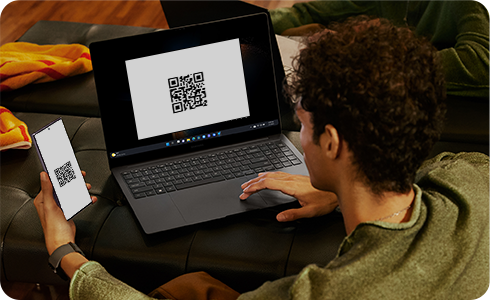
This recognises the user's preference to capture an image or video of the QR code image itself. This is normal so as not to disturb the recording with a connection pop-up display.
If you revisit the QR code and wish to see the pop-up link, touch the QR code part displayed on the camera (preview) screen to connect.
What to do if the Galaxy QR code is not recognised
- Tap on the QR code on the screen to display the QR code link.

If the above information does not match what your product is showing, you may check the User Manual for your product. If you are unable to solve the problem, please contact us for further assistance.
Thank you for your feedback!
Please answer all questions.
RC01_Static Content : This text is only displayed on the editor page