Solving Wi-Fi connection issues on your Samsung TV
Sometimes, unplugging both your TV and router and then plugging them back in will solve connection issues.
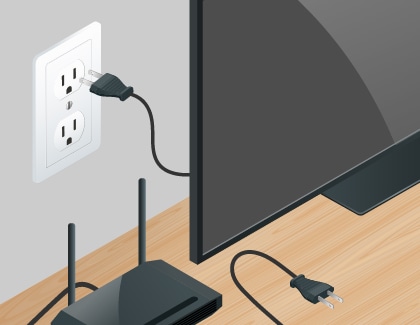
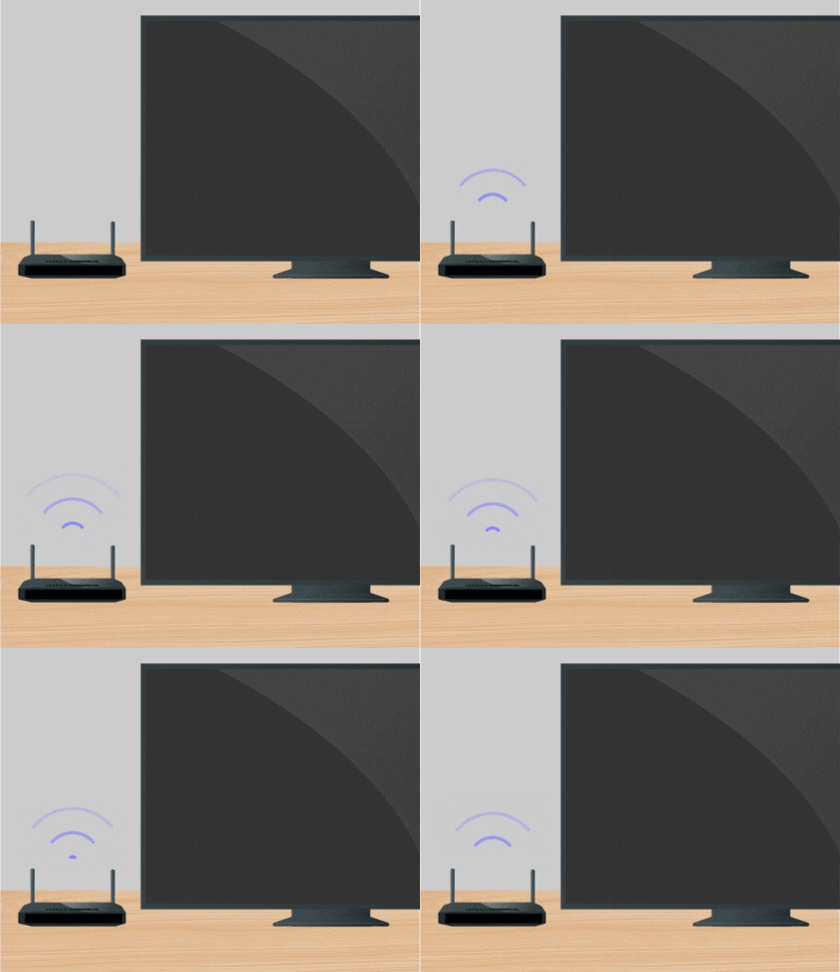
Now that you have performed a soft reset on your router, you should check if your router is connected to the internet. You can do this by going to the other devices in your home that are also connected to your router. If those devices are not connected to the internet, then the issue is most likely with your router and not your TV. In this case, you will need to contact your Internet Service Provider (ISP).
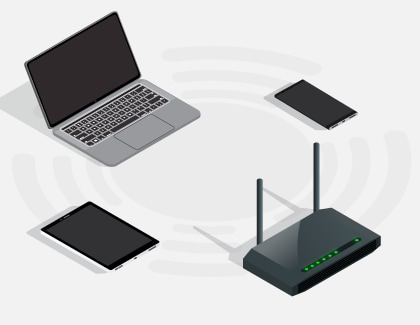
However, if your other devices are not having connection issues, then your problem is most likely with your TV. Please proceed to the next step.
Now that you have verified that the router is connected to the internet, you will need to check the connection between your router and TV. Please review the points below:
- Is your router connected to the TV using an ethernet cable? If not, we strongly recommend using an ethernet cable connection on your TV. This will ensure your TV maintains a consistent connection to the internet.
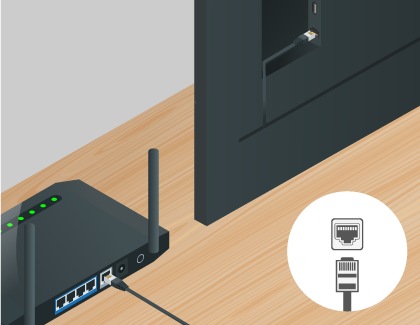
- If you are already connected using an ethernet cable, make sure that the ethernet cable is working and is not damaged. You can test the cable by connecting it to other devices, such as a laptop, to make sure that your ethernet cable is not damaged.
- If connecting to your TV using an ethernet cable is not possible, please move your router as close to the TV as possible. There should not be any obstructions between your TV and router, such as walls, other electronic devices, etc.
If the problem persists, please proceed to the next step.
Since the connection between your router and TV is not the issue, you should try resetting the network on your TV. Please use the following steps:

If you are still experiencing issues, a factory reset may be needed. Keep in mind that this is different from resetting your network.

After a factory reset, all your TV’s settings will be erased and you will need to reconnect to the internet. Please use the following steps:

If you are still unable to connect your TV to Wi-Fi after following all of the above steps, please contact Samsung Support for further assistance.


Service Centers


Locate the nearest Samsung service center to have your product checked.
Thank you for your feedback!
Please answer all questions.
Contact Info
WhatsApp
![WhatsApp]()
![WhatsApp]()


Monday to Sunday
8:00 a.m. a 12:00 a.m.
LiveChat
![LiveChat]()
![LiveChat]()


Monday to Sunday
8:00 a.m. a 12:00 a.m.
Online
Call
Costa Rica: 00-800-1-726-7864
Ecuador: 1-800-72-6786
El Salvador: 800-0726-7864
Guatemala: 1-800-299-0033
Call
Honduras: 800-2791-9111
Jamaica: 1-800-726-7864
Nicaragua: 001-800-5077267
Panama: 800-0101
Call
Puerto Rico: 1-800-682-3180
Trinidad and Tobago: 1-800-726-7864
Venezuela: 0-800-100-5303
Dominican Republic: 1-800-751-2676