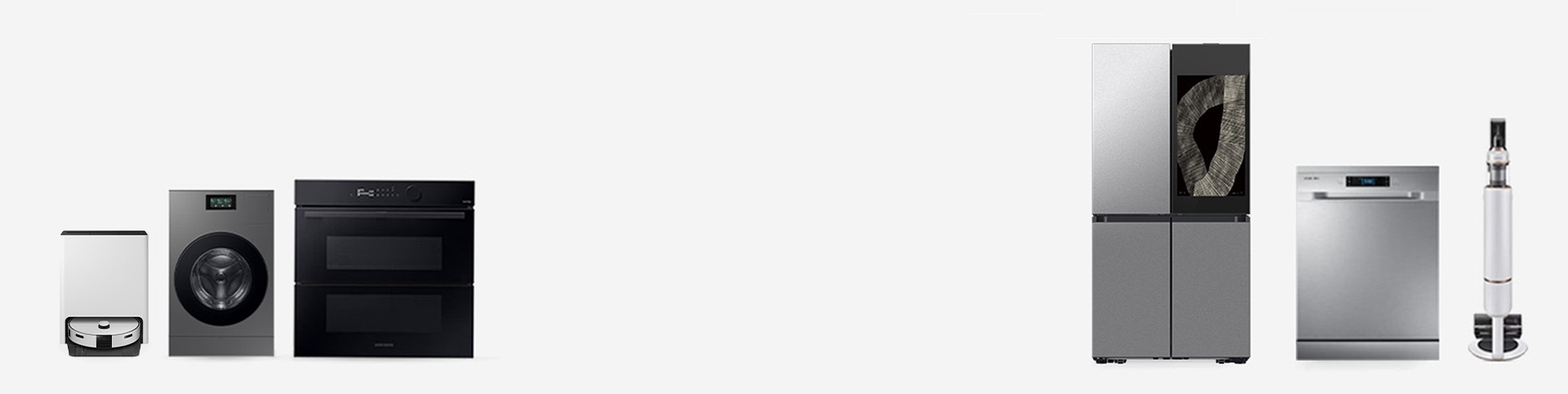
Voice
The product provides voice guidance through the speaker of the device regarding its operation/status and information related to its use. For example: weather, energy usage, etc.
- * How to set on AI Hub : Setting > General > Sounds (Choose from Voice or Tone)
Voice Guide
Voice Guide feature helps the user with visual impairments. It provides spoken feedback to help users understand about the contents on the screen. You can use your device without looking at the screen.
- * How to set on AI Hub : Setting > General > Accessibility > Voice Guide
Adjusting volume
The volume of voice/sound can be adjusted, or turned on/off to match your preference.
- * How to set on AI Hub : Setting > General > Sounds
SmartThings TalkBack for home appliances and services
You can control home appliances with SmartThings Talkback screen reader. It is a feature that assists visually impaired users. Talkback provides voice feedback to help understand the contents on the screen and reads the focused contents aloud. The focus can be controlled by tapping or sliding on the screen.
- Hear what's on the screen
- Run the focused item
- Move focus to another item
- To scroll up or down the list
- To move the focus box to the first or last item on the screen
- * How to set on Mobile : Setting > Accessibility > TalkBack
- * Features of Voice assistant will be continuously provided with Google TalkBack from One UI 3.0 via SmartThings.
Wide Touch Screen with improved visibility
Users can easily operate a wide range of features through intuitive operations. Also, the screen looks bright and big even in the dark. Screen brightness, character size change, and high contrast mode setting are possible.
Font size
You can change the size of the font to improve text legibility and visibility on you screen.
- * How to set on AI Hub : Setting > General > Accessibility > Visibility enhancements > Font size
High contrast
Light-colored text against a dark background enables those with color blindness or low vision to see screen text more clearly. You can change the background color of the main service screen to black and the text color to white or yellow to increase visibility and reduce eye strain.
- * How to set on AI Hub : Setting > General > Accessibility > Visibility enhancements > High contrast
Grayscale / Negative Color
Invert screen colors or switch to grayscale for better visibility.
If you have trouble recognizing colors or have high eye strain, you can change the color of the screen to black and white by using grayscale. If you are sensitive to light or have poor eyesight, you can invert the background to black and the text to white. Color inversion may help improve visual recognition, reduce glare and reduce eye strain.
If you have trouble recognizing colors or have high eye strain, you can change the color of the screen to black and white by using grayscale. If you are sensitive to light or have poor eyesight, you can invert the background to black and the text to white. Color inversion may help improve visual recognition, reduce glare and reduce eye strain.
- * How to set on family-hub : Setting > Accessibility > Grayscale/Negative color (on/off)
Accessible sound UX
Accessible sounds with varying scales and syllable breaks help users with visual impairment understand product operations without the need for visual confirmation. For example, when the user increases the desired temperature of an appliance, the sound scale goes up.
Appliances equipped with bixby
Bixby Voice Control operates appliances without controlling the screen and provides information about the status of appliances.
Control panel with improved visibility
The washer and dryer can be used even in dark environments with a bright LCD screen. Instead of marks and indicators on the control panel of washers and dryers, an LCD control panel with enlarged text is adopted to ensure visibility even in dark environments.
- * This feature is applied to devices with LCD.
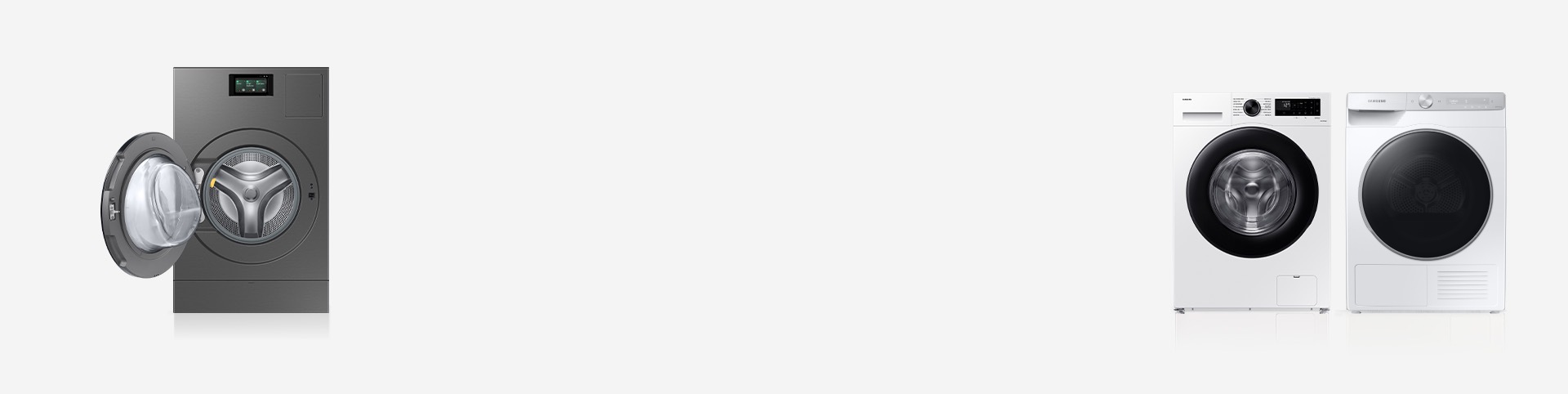
Vision
Tactile points
Tactile points are applied to key buttons, making them easy to find for visually impaired users. Braille stickers are provided free of charge upon request for use and it fits perfectly with Samsung appliances.
- * Currently, braille stickers are provided upon request for washer and dryer models released from 2019 onwards.
- * Request to Service center.
Mobility
Auto Open Door
The Auto Open Door opens at the end of the cycle or when you say, “Hi, Bixby, open the door” directly to the product. This feature also helps users with limited muscle strength or those holding laundry.
- * How to set on AI Hub: Setting > Washer > Auto dispensers.
Automatic cleaning system
The Auto cleaning system cleans drum, tub or condenser without detergent, ensuring maintenance-free usage.
Auto dispense
Once you fill up the detergent and softener, it detects the weight of the fabric and automatically injects a fixed amount of detergent and softener.
- * How to set on Smart Screen : Setting > Washer > Auto dispensers
Cognition
AI Wash™ & Dry
AI OptiWash™ & Dry detects both fabric type and soil level to adjust temperature, power, time, detergent settings, and drying level, delivering a wash and dry cycle suitable for each fabric and soil condition.
Auto Cycle Link
Auto Cycle Link recommends drying cycles based on your wash cycle.
- * How to set: SmartThings > Dryer Settings > Best dry cycle to use automatically
Remembering frequently used course
No need to search for the washer and dryer cycles you use the most. Instead, your washer and dryer learn the cycles you use the most and automatically sets them to appear first in the cycle list. Let your washer and dryer save your time and effort.
- * This feature is applied to washer and dryer models with LCD.
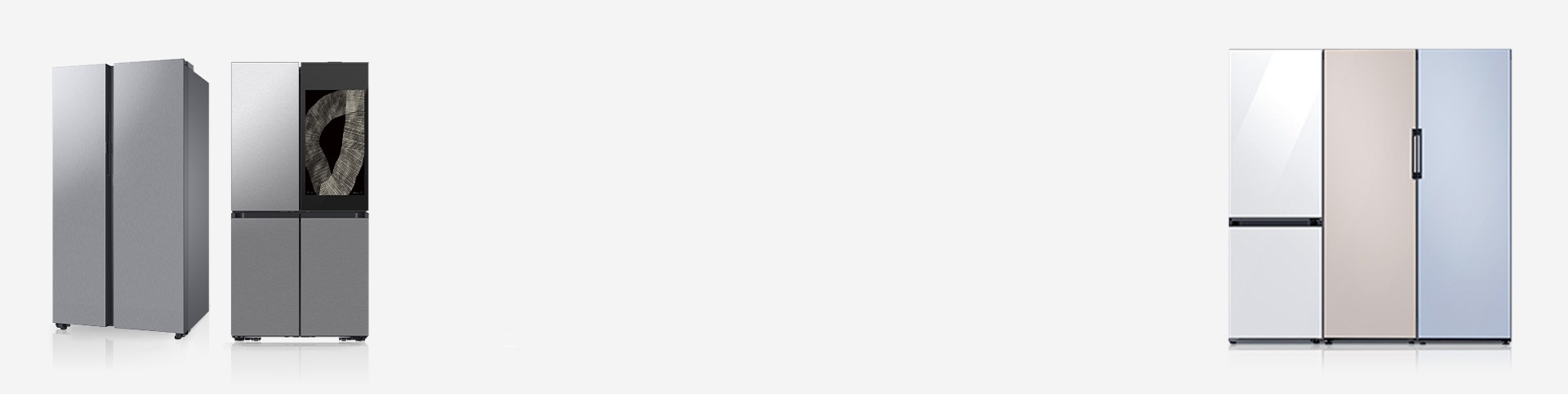
Vision
Tactile points
Tactile points are applied to the buttons to enable users with low vision to locate them with ease.
Hearing
Door open alarm
When the refrigerator door is opened, the interior light blinks to signal a door-open alarm, accompanied by a sound alert. The light also blinks when the door is left slightly open. This function is designed with hearing-impaired users in mind.
- * How to set on Family Hub: Fridge manager > Settings > Auto open door
Mobility
Auto Open Door
With just a light touch of the door sensor, the refrigerator door will open.
- * How to set on Family Hub™ 9": Setting > Refrigerator > Auto open door
- * How to set on Family Hub™ 32", 21.5": Fridge manager > Settings > Auto open door
- * This feature is applied to Family Hub™ refrigerators
Side navigation
Users can easily access the main features of the app. The main controls are on the side and the height is adjustable. If the controls are too high or too low, you can adjust them for your convenience.
- * This feature is applied to Family Hub refrigerator.
Easy Handle
The Easy Handle is a new way to open doors enabling easy and effortless access. Crafted for your comfort and convenience, this innovative handle is designed to make opening the sturdy door of Samsung’s new refrigerator easier for users.
Beverage Center
Provides quick and easy access to refreshingly cold water in two ways.
Cognition
AI Vision Inside
The camera built into the product recognizes food and provides information on food conditions. It automatically recognizes what's in your fridge, so you always know what's inside. It helps track the expiration dates on food items inside of the refrigerator.
Also, it allows you to look inside your fridge door from wherever you are using your phone. You can even use the Bixby voice assistant to help with your food management.
Also, it allows you to look inside your fridge door from wherever you are using your phone. You can even use the Bixby voice assistant to help with your food management.
- * This feature can be checked from the Family Hub App or through the door bin.

Mobility
Self and Steam Clean
Get rid of light soiling much more easily with Samsung oven. Self/Steam Cleaning needs less time, power and effort to remove drips and splashes. It creates steam that loosens food particles, so any residue can be wiped away without scrubbing, leaving the oven sparkling clean.
Auto Open Door
Even the most hard-to-dry items are cupboard-ready at the end of the cycle with Auto Open Door. Once the dishwashing cycle has finished, the door opens to let the steam to escape for the best drying results.
Cognition
AI Pro Cooking™ Camera
The camera inside the oven sends video to your smartphone so you can easily check on meals as they cook. The camera can recognize ingredients and suggest optimal cooking modes and settings for many recipes.
- * How to set on ovens : Setting > Oven > Camera Vision
- * Must download the SmartThings app available on Android and iOS devices. A Wi-Fi connection and a Samsung account are required
- * A dish should be placed in the center of the oven to achieve the best recognition. The accuracy of the recognition may vary depending on the actual usage conditions, such as the type of ingredients, cleanliness of the cavity and the brightness of the room light. For more detailed information, please refer to the user guide enclosed with the package
Remembering frequently used mode
No need to search for the oven's cooking mode you use the most. Instead, your oven learns the cooking mode you use the most and sets it to appear first in the mode list. Let your oven save your time and effort.
- * This feature is applied to oven models with LCD.

Vision
Auto Pan Detector
When a pot or pan is placed centrally on a cooking zone, it instantly detects if the diameter and size is suitable for that zone. If they cover less than 60 percent of the zone, it will alert you with a message to use different cookware.
Mobility
Auto Connectivity
Saves time and effort to control the hood and cooktop separately. The auto-connect function wirelessly sorts the status. The hood can be controlled using the one-touch control of Cooktop. For convenience, it can be turned on and off together immediately for the ultimate purpose. Users who cannot reach, such as those using wheelchairs, can conveniently control the hood.
Cognition
Safety Shutoff
Samsung Hob, automatically turns off any of the cooking zones if things have been left cooking on them for a long time or there’s no change in the operation after a certain period has elapsed. So when you’re busy entertaining friend and family there’s less chance of costly or dangerous accidents.
Residual Heat Indicator
With our Control and Function Indicators, you’ll not get burned by a hot cooking surface again. It’s simple : the letter “H” or the H-Shape afterheat indicator lets you know when the surface is cool enough to touch, as the mark disappears.

Mobility
All-in-One Clean Station
With product management features, the Clean Station in the robot vacuum minimizes user maintenance by handling tasks like dust suction and automatic mop sterilization/washing, keeping the robot ready to clean. The All-in-One Clean Station in the stick vacuum automatically empties and seals the dustbin, so you stay hands-free.
Cognition
Intelligent AI cleaning
The robot maps your home's layout, identifies objects, and adjusts to floor types for optimal cleaning. It re-cleans heavily soiled areas automatically. The AI Cleaning Mode on the stick vacuum detects floor types and optimizes suction and runtime for top cleaning performance.
- * Set 'Smart' mode on suction power for robot vacuum.
- * Activate 'AI Mode' for stick vacuum.
Accessibility customer support
We are here to assist and improve your accessible experience.
* Availability of the feature may vary depending on the model specification.
